Loading page…
How it works
Our room listings are coming soon. You can already find housing providers in our guide or submit a home for review as a landlord.
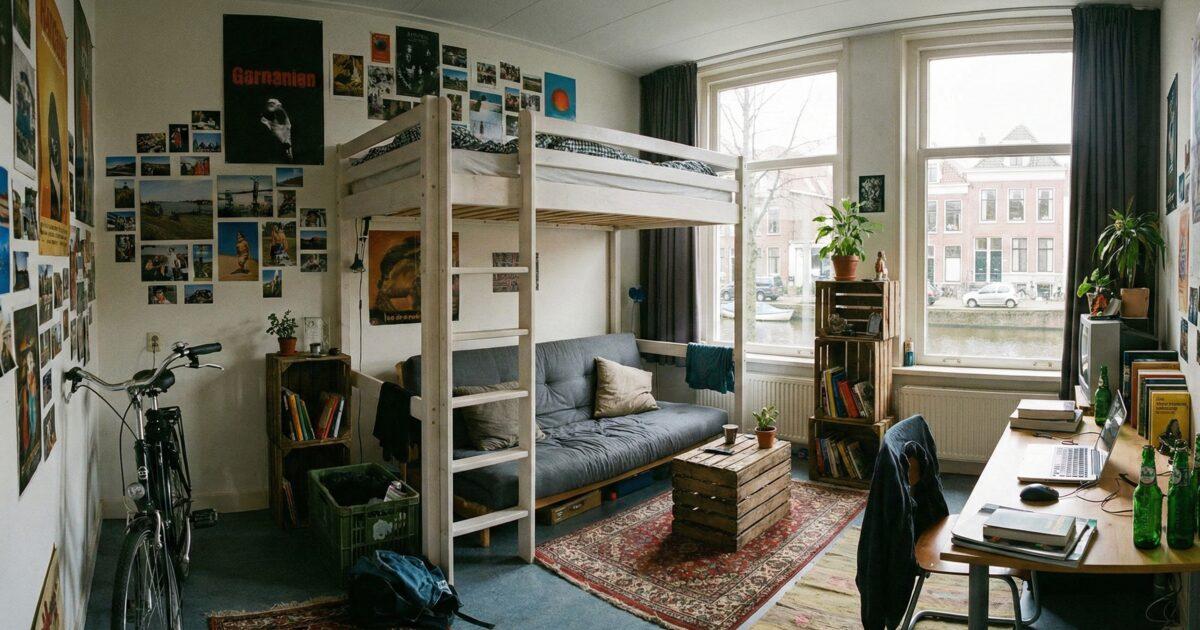
From room search to viewing
Compare homes
Once listings open, filter by rent, size or move-in date. Open a listing to check the monthly costs and whether the landlord offers online viewings.
Request a viewing
Sign in with a student account, select “Request Viewing” on the listing and send the landlord a short introduction. Requesting a viewing is free.
Arrange a time
Follow your request in My applications. If the landlord accepts, you can use the contact details they’ve shared to arrange an in-person or live video viewing.
List a home as a landlord
Landlord informationCreate a landlord account
Choose a private landlord or agency account. You can list a room, studio or apartment for free.
Submit your listing for review
In My listings, choose “Add a listing”. Enter the rent and availability, add photos and submit. Our team reviews each new listing before it appears in search.
Choose who to invite
Open a listing’s viewing requests to read each student’s message. Accept or decline the request in your dashboard. After accepting, contact the student to arrange the viewing.
Before you pay a deposit
Even when a landlord has a badge, visit the room or ask for a live video tour. Check who can rent it to you and make sure the address and payment details match the contract.